
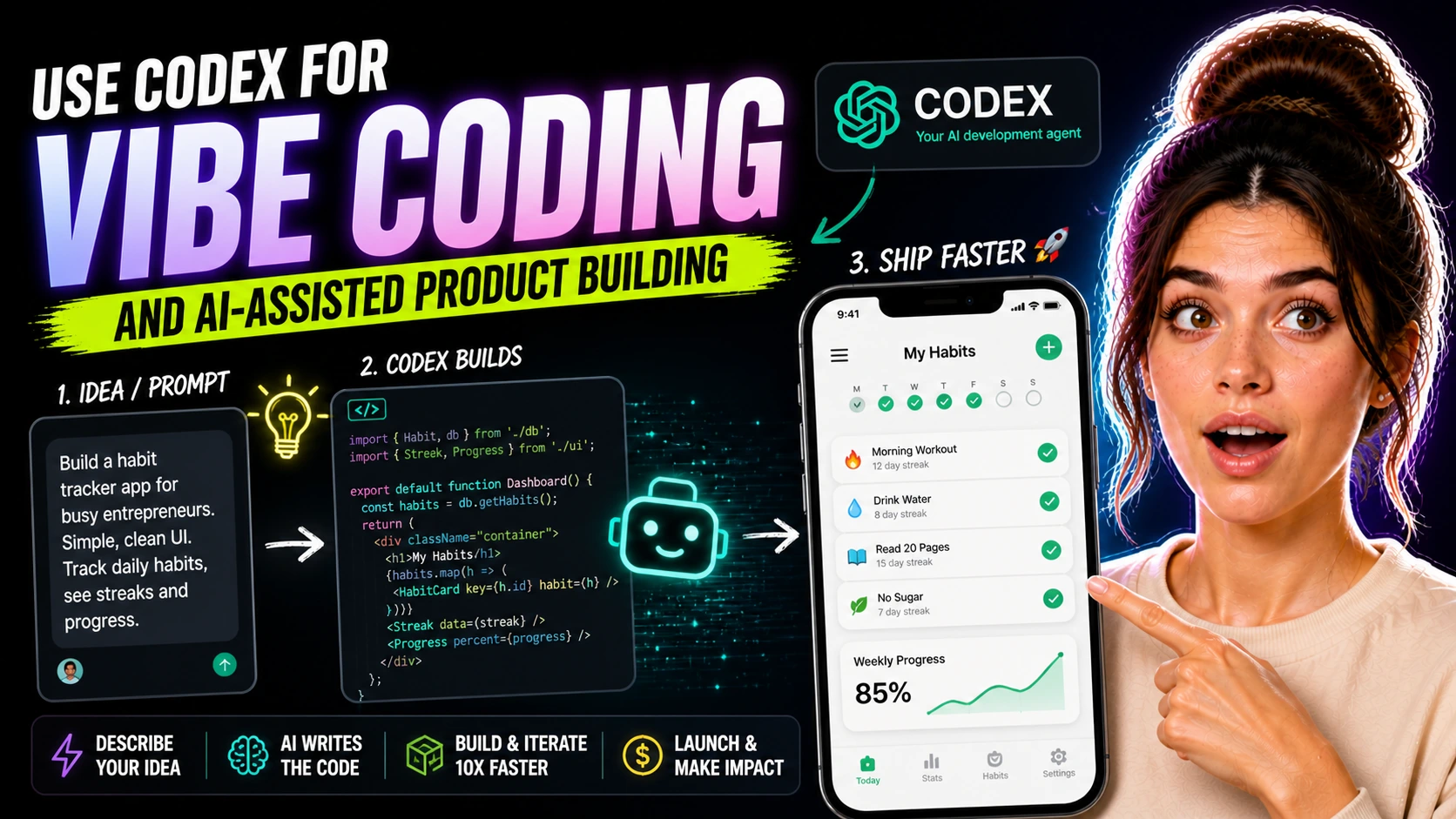
How to Use Codex for Vibe Coding and AI-Assisted Product Building
Someone opens a coding tool and types something like “build me an app for creators,” then ends up with a messy pile of screens, features, and half-working logic. Somehow it already includes accounts, analytics, dashboards, notifications, and settings before the core idea is even settled.
The result feels bloated and confusing.
And the issue is not just the tool. The task was never small or concrete enough to build well in the first place. That is where a lot of vibe coding starts to wobble.
People assume the breakthrough comes from finding the perfect coding assistant.
The real improvement usually comes from shrinking the product idea, naming the exact job it needs to do, and asking for one useful step at a time. Codex gets much more helpful when you treat it like a coding helper instead of a one-click startup machine.
What Codex Is in Plain Language
Codex is an AI coding helper that can work with your files, suggest code, explain code, fix specific problems, and help you move through build steps with less blank-page friction. It can generate a first pass, explain what is happening, or repair one part of the build without forcing you to type every line yourself.
That does not mean it replaces judgment, product thinking, or testing.
For beginners, that can feel like a real shift. You do not need to become a full developer before you are allowed to use it. But you do need to think clearly enough to say what you want the product to do, who it is for, and what the next build step should be.
That distinction matters.
“Help me build a packing checklist app for travel nurses” is already far more useful than “make me a startup.” One has a user, a repeated problem, and a likely workflow.
Why Small Product Ideas Work Better
Codex is most useful when the problem is narrow enough that you can recognize a good result when you see it. A simple calculator, a tiny tracking tool, a niche reminder app, or a one-purpose content helper gives the tool something concrete to aim at.
This is where vibe coding starts to feel more realistic.
Instead of asking for a giant platform, you ask for one screen, one input flow, one export function, or one bug fix. The AI can help more because the task is less open-ended and the result is easier for you to review. A vague request usually produces vague software.
A small niche app prototype is a good example.
You might want a session recap tool for coaches that lets someone enter three client notes and generate a clean recap with next steps. That is a realistic product direction because the job is clear, the screens are limited, and the first version does not need ten future features to feel complete.
What Good Vibe Coding Usually Looks Like
Good vibe coding is not really about writing one brilliant prompt and watching a whole company appear. It usually looks much more ordinary than that.
You define the smallest useful version of the product.
Then you ask Codex for one build step at a time, like creating a form, storing a result locally, fixing layout issues, explaining an error, or cleaning up a function that has become messy. That rhythm is much healthier than “build the whole thing.” It keeps you close to the product instead of drifting into feature sprawl.
It also makes testing less painful.
If Codex helps you build one feature, you can check whether that feature works. If it tries to generate an entire mini-ecosystem in one shot, you often end up with a strange pile of code that looks productive at first and then quietly eats your evening.
Getting Started Without Making Setup the Main Event
The simplest starting point is the Codex CLI. In practice, that means a basic development environment, a project folder, and a terminal where the tool can work inside the files you actually care about.
So the setup is fairly approachable.
Once the CLI is installed, you open the project directory in your terminal, run Codex, sign in, and start asking it to work inside that current directory. If you prefer something more visual, a web-based setup or app-based route may feel easier. For a beginner, though, the CLI can actually be less intimidating than it sounds.
You do not need to turn into a terminal expert.
You mostly need to understand that the tool works inside a project folder, and that your job is to give it a clear task tied to the files in that folder. That is a much more manageable starting point than imagining some giant invisible AI lab behind the scenes.
A Smart First Task to Try
A good first task is something small enough that you can judge the result quickly. “Create a simple calculator that takes two numbers and returns a recommended package price with a short explanation” is a decent first request for a digital product builder.
That kind of task is narrow and testable.
You can open the result, try a few inputs, and see whether the output makes sense. A small tracking tool is another solid example. You might ask Codex to create a lightweight page where a freelancer logs follow-ups, tags client status, and sees which leads need contact this week.
The point is not that these are glamorous apps.
The point is that they are possible. Small tools usually become much more realistic when the scope stays tight enough that you can actually finish and improve them.
Prompts That Help, and Prompts That Drift
A weak Codex prompt is usually broad, abstract, and full of hidden assumptions. It asks for a full product without saying what the user needs, what the core workflow is, or what the smallest useful version should include.
A stronger prompt sounds less impressive and much more specific.
It names the user, the problem, the main action, the expected output, and any limits. Asking Codex to “build a lightweight web app for coaches to create a session recap from three short notes, with one form, one output screen, and copy-to-clipboard functionality” gives it a much better chance of being useful. The feature set is understandable in a few lines, which usually means the code direction is easier to understand too.
This is also where beginners get a real advantage by slowing down.
You do not need to know every technical term. You just need to know the job the product is supposed to do.
Where It Helps Most During the Build
Codex is especially useful for scaffolding, debugging, rewriting clumsy code, and reducing that awful stuck feeling when you know what you want but not how to write it. It can be very helpful when you want to add one feature at a time.
Maybe you already have a tiny app prototype.
Now you want better button text, cleaner validation, a simple export option, or a less awkward layout. Those are the kinds of practical tasks where AI-assisted coding starts to feel genuinely useful. It can also explain errors in plainer language than a raw terminal message.
That matters for non-technical builders.
Confusion tends to pile up faster than code does. And if you are using ChatGPT, Claude, or Gemini alongside Codex, that can work well too.
Where It Does Not Save You From Thinking
Codex can still produce messy, insecure, too-broad, or simply not very usable code if nobody checks it. That is not a flaw unique to Codex.
It is just part of working with AI-generated code in general.
Human judgment still decides whether the feature should exist, whether the interface makes sense, whether the copy is clear, and whether the output is safe and useful enough for a real person to rely on. AI can make something look more complete than it really is. This is why testing matters so much.
Click the buttons, try bad inputs, break the flow on purpose, and read the code even if you only partly understand it.
Ask follow-up questions until the logic is clear enough that you trust it. There is also a product question underneath all of this. Are you using Codex to build a lightweight useful tool, or are you using it to avoid defining the product clearly?
Keeping the Workflow Grounded
The healthiest way to use Codex is to keep the loop short. Define one small task, ask for the change, test the result, clean it up, and then move to the next thing.
That keeps you close to reality.
It also makes the project feel less slippery, which is something people do not talk about enough. When a tool can generate code quickly, it becomes very easy to mistake movement for progress. A lot of files changed, so it feels like the product moved forward.
But if the main workflow is still confusing or the feature list has started growing sideways, the app may actually be getting harder to finish.
Small digital products benefit from restraint. A calculator that works is better than a platform that almost works. A lightweight client helper that solves one repeated problem is better than a giant concept full of future promises.
Codex can absolutely make small product building faster and more realistic. But the real win is not that it builds everything for you.
It is that, with a clear task and a tight scope, it can help you get through the next real build step without turning the whole project into a giant, vague, unfinished idea.
