Resource Lists That Save People Time and Sell Well
You know that feeling when you spend two hours researching one supposedly simple thing, open twenty tabs, save a pile of links, and still cannot tell which option actually makes sense for you. It is not just annoying.
It is draining in a very particular way, because your brain ends up crowded with half-made decisions instead of answers.
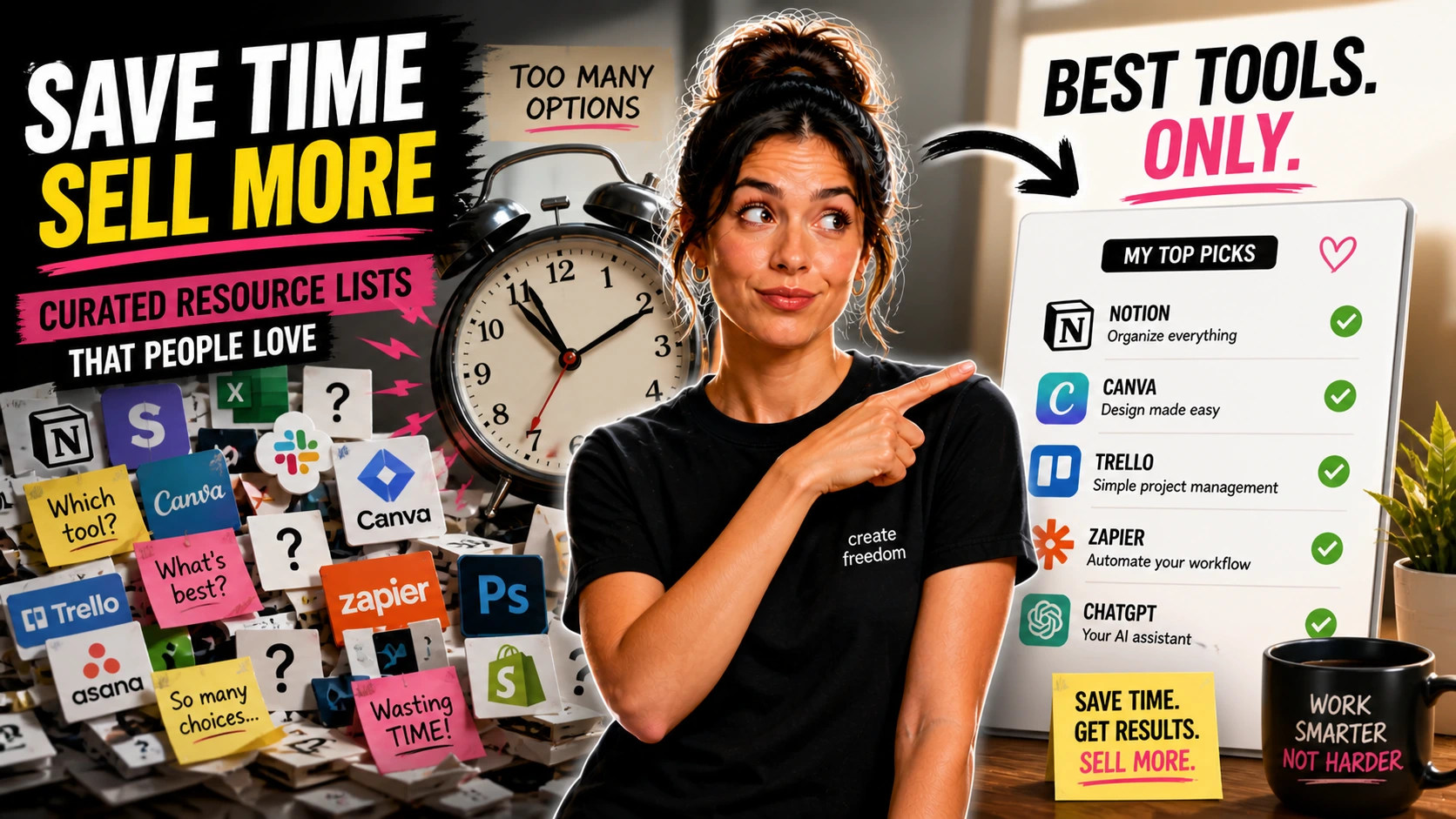
That is why a good resource list can feel far more valuable than it sounds. Not because it contains secret information no one else could find, but because it cuts down research fatigue, reduces decision overload, and gives someone a clearer next step than a messy folder of bookmarks ever will. I think that part gets overlooked all the time.
People assume a resource list is just a stack of links with a price attached.
But the kind that sells feels more like a shortcut through confusion, especially when it is built for one person with one problem at the exact moment they do not want to spend another evening comparing tabs. A paid list works because it lowers the mental cost of deciding.
What the Buyer Is Really Getting
A resource list is a curated collection of tools, websites, products, apps, services, references, or learning materials organized around a specific need. It is not a swipe file full of inspiration, and it is not a template pack, a checklist, or a full ebook that teaches a topic from beginning to end.
That difference matters.
Buyers are not paying for volume. They are paying for selection, context, and structure that helps them decide faster. A swipe file says, “Here are examples.”
A template pack says, “Here is something to use.” A resource list says, “Here are the strongest options for this exact situation, and here is how to choose.” That is a very different promise.
A strong paid list might include categories, short notes, best-for labels, warnings, quick-start suggestions, or filters by budget, age, location, or skill level.
The goal is not to be exhaustive. The goal is to be useful enough that someone feels lighter the moment they open it.
Why Curation Beats More Searching
Most people can search. The hard part is not searching. It is choosing.
When someone buys a focused resource list, they are often paying for relief from doubt.
They want trusted options, fewer bad fits, and less time wasted clicking through pages that all blur together. For a parent, freelancer, coach, or teacher who already has too much on their plate, that time-saving part can matter more than the file format itself. This is especially true in messy niches.
Think about a parent looking for speech therapy apps for a six-year-old.
Or a freelancer trying to find productivity tools that work well in a local market with limited payment options. There may be hundreds of possible answers online, but not many that feel sorted, relevant, and practical for their real situation.
A good list respects that.
Narrow Lists Usually Win
One of the easiest mistakes is trying to create “the ultimate” list for everyone. It sounds generous, but it usually turns into clutter.
Niche resource lists are usually stronger because they solve a smaller, clearer problem.
“Best free and low-cost design tools for coaches who make their own workshop materials” is easier to package and easier to buy than “100 tools for online business.” The narrower version tells the buyer right away that this was made with their actual life in mind. That sense of fit matters more than size.
A beginner can build a useful first product by picking a specific audience and one annoying research task they deal with over and over.
Homeschool science resources organized by age group. Sensory-friendly travel products for families with young kids. Budget props and filming tools for content creators working from a small apartment.
Those are all realistic because they answer a concrete question. They also give you a natural way to sort items, add notes, and explain why each one belongs.
Where AI Speeds Things Up
This is where AI is genuinely useful, but only if you use it like an assistant instead of a final decision-maker. It can help you brainstorm list angles, build categories, draft item descriptions, suggest comparison labels, and turn rough notes into a cleaner first draft.
You can ask ChatGPT, Claude, or Gemini to help generate possible sections for a buyer’s guide.
You can paste a messy collection of ideas into a model and ask it to group them by beginner, budget, advanced, local-friendly, or family-safe. That can save a real chunk of setup time, especially in the early stage when everything feels scattered. But AI is also very good at sounding sure of weak suggestions.
It may include irrelevant tools, repeated ideas, outdated options, or items that technically fit the category but do not actually help the buyer.
It can also flatten everything into the same tone, which makes the list feel generic very quickly. So your job is to keep asking, “Would I honestly include this if I were helping one real person I care about?”
That question will improve the product more than any clever prompt.
What Makes It Worth Paying For
A free roundup post often gives you lots of options and just enough commentary to keep you scrolling. A paid resource list needs to do more than that.
The paid version should reduce effort, not add to it.
That means tighter filtering, better organization, clearer notes, and some judgment built into the format. Instead of fifty random entries, maybe it has eighteen carefully chosen ones with labels like “best for beginners,” “lowest monthly cost,” “good outside the US,” “works offline,” or “skip if you need team features.” That is where the value starts to show.
Short context notes matter a lot here.
One or two lines can help the buyer understand why an item is included, who it suits best, what to watch out for, or what makes it different from similar options. You are not writing mini essays. You are helping someone make a cleaner decision with less mental drag.
Warnings help too.
Sometimes the most useful line in a resource list is the one that says, “Looks polished, but setup takes longer than expected,” or “Best only if your child already enjoys audio prompts,” or “Solid free plan, but exporting is limited.” That kind of honesty makes the product feel curated instead of copied.
A First Version You Could Build Fast
Let’s say you create a product called Free and Low-Cost Design Tools for Coaches Who Make Their Own PDFs and Workbooks. That is specific enough to attract the right buyer and practical enough to build without months of research.
Your list could include categories like simple graphic design tools, worksheet layout tools, icon libraries, stock photo sources, font pairing tools, PDF compressors, and mockup generators.
Each item could have a short note, price range, best-for label, and a quick warning if the free plan is limiting or the learning curve is annoying. That is already a product, not just a dumped note file. You could make it in Google Docs first, then format it into a clean PDF using Canva or a PDF editor.
Or you could build it in Notion if your audience likes searchable, bookmarkable guides.
The finished version might be a 10 to 18 page buyer’s guide with a cover, short intro, category pages, item notes, and one quick-start page for “start here if you want the easiest option.” That feels much more usable than a plain list of links.
You can also package it as a small bundle without making it complicated.
For example, a PDF guide plus an editable doc version, or a Notion guide plus a one-page quick decision chart. The extra piece should make the main list easier to use, not pull attention away from it.
Day 1, Week 1, Month 1
On Day 1, spend one to two hours choosing the audience and the exact problem. Then spend another two or three hours collecting possible entries, opening each one, and cutting the weak or vague options straight away.
Use AI after you have real material, not before.
Ask it to suggest categories, draft short descriptions from your notes, or propose labels that make the list easier to scan. Then spend another hour cleaning up the wording so it sounds like one person made careful decisions instead of a machine sorting keywords. By the end of Day 1, a messy draft is enough.
During Week 1, aim for a usable first version, not a polished masterpiece.
That might mean 10 to 25 entries, a clear title, short notes, and a basic layout in Google Docs, Notion, or Canva. Expect another four to eight hours across the week for checking links, rewriting vague notes, testing the order of categories, and making the file feel calm and easy to read.
This is also when you start noticing what feels thin.
Maybe one section is too broad. Maybe the list needs “best for” tags. Maybe half the entries are too similar and the product gets better when you cut six of them.
That editing stage can be a little irritating, but it is also the point where the product starts to feel trustworthy.
By Month 1, you are not trying to turn it into a giant library.
You are refining based on real use. Add a preview, improve the product description, maybe include one update based on buyer questions, and tighten weak sections.
Packaging Carries Part of the Value
A resource list becomes sellable when it feels finished. That does not mean fancy. It means a clear title, clean structure, readable formatting, and enough explanation that the buyer knows how to use it.
Good packaging often looks like a PDF guide, editable document, Notion guide, or mini buyer’s guide with preview pages.
Include a short introduction that says who it is for, what problem it solves, and how the sections are organized. Add page numbers if it is a PDF. Add clickable links where it helps. Make scanning easy.
A buyer should not need instructions just to understand the product.
This is where Canva can help with layout, Google Docs can help with drafting, and Notion can help with searchable organization. AI can speed up formatting ideas or draft section intros, but your judgment still matters most.
The cleaner the structure, the more the buyer feels they paid for clarity instead of clutter.
Where These Lists Can Realistically Sell
Direct-sale platforms often make the most sense because this kind of product is easy to explain in one sentence. The buyer either sees the value quickly or they do not.
Gumroad works well because you can sell a PDF, doc, or Notion product with a simple sales page and a few preview images.
Etsy can work when the niche is visual, giftable, parent-focused, education-related, or already familiar with downloadable products. A personal site can work well too if you already have an audience that trusts your recommendations. The platform matters less than the promise.
If the title clearly says who it is for and what research it saves, the product has a better shot.
“Homeschool Science Resources by Age Group for Busy Parents” tells a much stronger story than “Useful Science Links.” One sounds curated. The other sounds unfinished.
That difference matters a lot with a product like this.
People are not buying a list because they do not know how to use Google. They are buying it because they are tired, overloaded, unsure, or simply done with sorting through too many options that all start to sound the same after a while. A well-made resource list meets them in that moment and says, quietly, “Start here. These are the ones worth your time.”
