
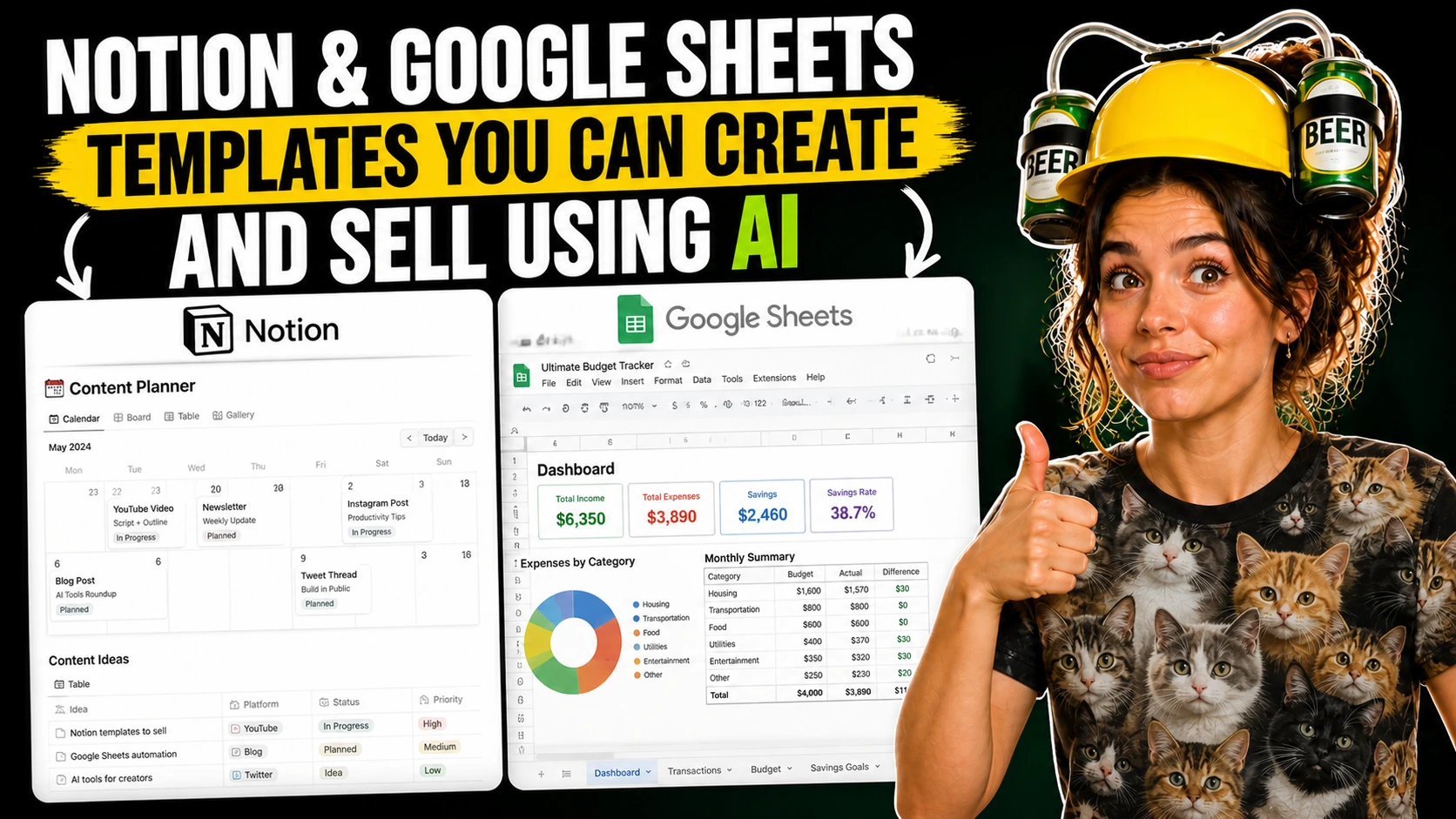
Ready-to-Use Notion and Google Sheets Templates You Can Create and Sell Using AI
I once saw someone spend two full evenings building a beautiful life dashboard in Notion, with icons, linked databases, and color-coded views everywhere. Three days later, they realized it was too confusing to use. That kind of overbuilding is common with templates, especially when you know just enough about the tool to keep adding more.
A better first product is usually smaller and simpler. People usually pay for a template because it helps them do one job with less friction, not because it tries to manage their entire life.
Why buyers actually click purchase
Notion’s marketplace is full of focused templates built for narrow use cases, and that’s a useful reminder. Buyers often want something specific they can start using quickly. A sellable template is not really a file.
It’s a shortcut for someone who is tired of rebuilding the same tracker, planner, or client system from scratch. They would rather open something that already has a sensible structure.
That’s why simple templates can work so well. A freelance budget sheet, a wedding budget tracker, a coach client tracker, or a weekly content planner all make a clear promise. The buyer can picture the problem, picture the file, and picture using it tonight instead of putting it off again.
This is also why templates are a good first digital product for beginners. You don’t need advanced design skills, and you don’t need to build a full app.
Relief beats complexity
You’re packaging a setup that saves someone time, guesswork, or repeated effort. AI helps most with the less exciting part. You can use ChatGPT, Claude, Gemini, or Notion AI to brainstorm fields, labels, tabs, prompts, formulas, sample entries, product names, and setup instructions.
That cuts down the blank-page feeling that makes a lot of people stall out. Notion now includes AI inside the workspace for writing, database creation, autofill, summaries, and formula help.
So when you’re building a Notion product, the drafting process can feel a bit smoother because the assistant is already built in. That does not change the core job. The template still has to make sense fast.
Choose the platform by the job
Notion makes more sense when the product is page-based, content-heavy, or built around connected information. If the template needs dashboards, notes, simple workflows, task views, resource libraries, client pages, or a light CRM feel, Notion is usually the easier place to build and present it.
Its database system, views, formulas, and built-in AI tools are aimed at exactly that kind of setup. Google Sheets is usually better when numbers are doing most of the work.
Budgets, savings trackers, calculators, pricing sheets, debt payoff plans, invoice systems, and anything formula-heavy often feel clearer in Sheets because spreadsheet logic is the main experience. Google’s own documentation still frames Sheets around formulas, functions, templates, and analysis. That matches what buyers expect from number-first products.
A lot of people choose Notion because it looks nicer in screenshots. Then they try to force a budget or calculator into it.
They end up with something that feels clever but awkward. That’s one of those small frustrations you can avoid if you ask one blunt question early on: is this product mainly for reading and organizing, or mainly for calculating?
There is overlap, of course. A simple project tracker could work in either platform. But the Notion version might revolve around views, statuses, notes, and meeting links, while the Sheets version might lean on deadlines, workload columns, formulas, and summary totals.
Where AI pulls its weight
The best use of AI is structural. You can ask it to suggest the tabs for a wedding budget sheet, the properties for a coach client tracker, or the database fields for a freelancer content planner. Then keep only what you really need.
Inside Notion, built-in AI can speed that up by helping create a database, draft text on a page, generate summaries, and autofill database properties from content already in the workspace. It can also help with formulas, which is useful when you know what you want a property to do but can’t remember the exact syntax yet.
That’s helpful, but it doesn’t replace thinking through the workflow. For Google Sheets templates, AI is useful for formula suggestions, tab names, sample data, conditional formatting ideas, instruction text, and listing copy.
But spreadsheet products still need real human testing. One broken formula, one confusing protected range, or one mislabeled category can make the whole thing feel cheap very quickly.
Google Sheets supports a huge range of functions, which is powerful. It also gives template creators more ways to overcomplicate a first version. This is where restraint matters more than creativity.
AI will gladly give you extra sections, extra trackers, extra automations, and a dramatic product description to match. Most buyers would rather get a file that feels calm, obvious, and easy to trust.
A version you could build this week
Say you want to make a freelance budget sheet. That’s a strong first product because the buyer is easy to identify, the problem is familiar, and the template can be genuinely useful without pretending to be a full accounting system.
In Sheets, your first version might have five tabs. One for monthly income, one for recurring expenses, one for taxes set aside, one dashboard summary, and one instructions tab with a two-minute setup guide.
AI can help draft categories like software, subscriptions, travel, home office, subcontractors, and irregular income. It can also suggest starter formulas for totals and monthly comparisons.
The same product in Notion would probably be less effective if the main value is calculations. But a freelance client tracker in Notion could work really well, with a database for clients, project status, invoice state, next follow-up date, links to contracts, and a notes page for each client.
Notion databases, views, and formulas support that kind of page-based workflow much more naturally. That contrast matters because it helps you avoid building the wrong thing in the wrong place.
And honestly, that alone can save you from spending a whole weekend trying to fix a product that never really works.
What people pay for
People usually don’t pay because a template has fifty features. They pay because the setup is already done, the logic is easy to follow, and the file feels safer than building their own from scratch.
Useful templates tend to share a few traits. The labels are plain, the first steps are obvious, the sample entries show how the system works, and the instructions answer the small questions a buyer would otherwise have to email you about.
AI is great at drafting examples and help text. But you still need to cut anything that feels generic, repetitive, or too wordy.
This part is less glamorous than designing a thumbnail, and it’s often where a product becomes sellable. One clear input section, one obvious dashboard, and one short setup guide can beat a huge polished system every time.
A good test is to hand the template to a friend or use it yourself for three days. If you have to explain where to click, what counts as a status, or why there are two similar fields that should probably be one, the buyer will feel that confusion too.
There’s also the emotional side of usefulness. A stressed couple planning a wedding budget does not want a dramatic dashboard.
They want to open the file, type numbers into the right places, and feel a little relief because the mess is finally contained.
Day 1, Week 1, Month 1
Day 1 is for choosing one buyer and one problem, not ten. Spend about 60 to 90 minutes listing situations you understand well, then pick the one that is easiest to describe in one sentence, like “a simple content planner for solo creators” or “a basic client tracker for coaches.”
Then spend another two to three hours building a rough version. Use AI to suggest the structure, fields, formulas, and setup text, but make the actual decisions yourself.
By the end of the day, aim for something plain and functional, not polished. Week 1 is for cleanup and proof. Give yourself four to six hours across the week to test the template with fake data, remove extras, write a short instruction guide, make preview images in Canva if you want cleaner product visuals, and draft product copy that clearly says what the template is for, who it is for, and what is included.
Canva is useful for listing images, while Notion and Sheets remain the actual product tools. Month 1 is for publishing, listening, and improving.
Put the product somewhere realistic like Gumroad, Etsy, a Notion marketplace listing if it fits, or your own simple site. Then spend a few hours paying attention to where people hesitate, what questions they ask, and which screenshots or descriptions seem to get the clearest response.
Gumroad is built around selling digital products directly, Etsy supports digital listings, and Notion’s marketplace gives template buyers a place to browse by use case. You don’t need a huge catalog in that first month.
One finished template with a thoughtful revision or two will teach you more than six rushed ideas sitting half-finished in your files.
Packaging the file so it feels finished
A template product usually needs more than the file itself. It helps to include a short PDF or page with setup instructions, a note on who it’s for, basic customization tips, and maybe a few screenshots of a filled-in version so the buyer can see what success looks like.
If you’re selling a Notion template, make the duplicate process obvious and show the main views in your listing images. If you’re selling a Google Sheets template, explain which cells are meant for inputs, which tabs should not be edited casually, and what formulas are already in place.
Google’s template gallery and Sheets documentation make it clear that people are used to starting from a template and making a copy. So your job is to make that handoff feel easy.
Pricing is usually modest at the start, and that’s fine. A simple, genuinely useful template may sit in the low-cost range because the buyer is paying for clarity and saved time, not for an elaborate software replacement.
That’s what I like about this kind of product. It’s humble work. You notice a repeat problem, build a cleaner starting point, test it the way a real person would, and hand it over in a form that makes someone else’s day feel a little less scattered.
A good Notion or Google Sheets template doesn’t need to look impressive from a distance. It needs to make sense up close, when someone opens it with a real problem and hopes, quietly, that this one might finally be simple enough to use.
