
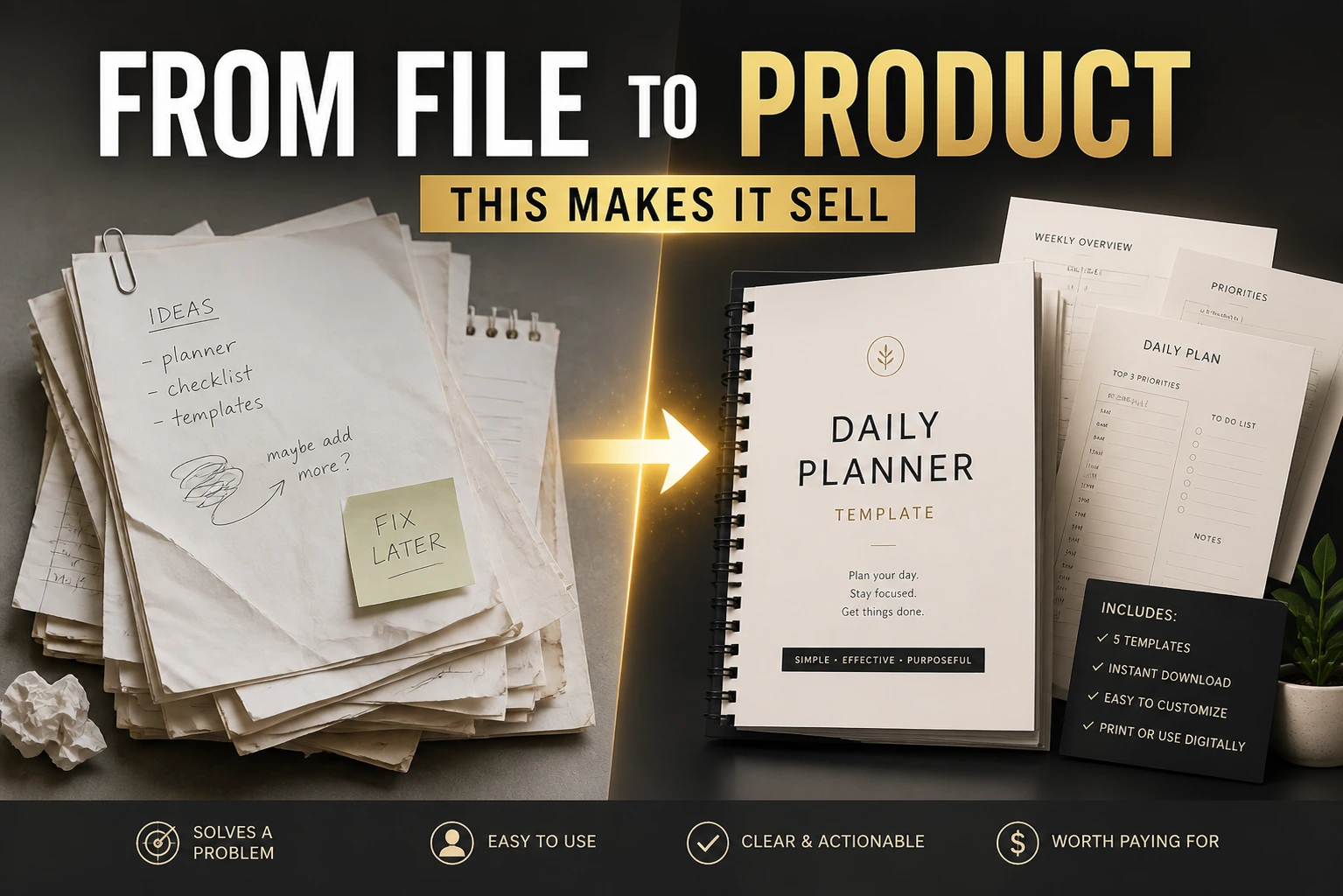
When a Template Becomes a Product
A template for yourself is different from a template for someone else.
For yourself, you can leave things messy. You know what the blank sections mean. You remember the shortcuts. The gaps make sense because you made them.
For someone else, those gaps become confusion.
The shift from personal tool to product is about closing those gaps. Not with more features. With more clarity.
Finished Doesn’t Mean Beautiful
A template is not finished when it looks good.
It’s finished when a stranger can use it without you.
No explanations needed. No questions asked. They open it, they understand it, they use it.
This is a higher bar than it sounds.
You know your template deeply. You built it. Every section is obvious to you.
But the buyer sees it fresh. Cold. They don’t know why you organized it that way. They don’t know which part to start with. They don’t know what goes in the empty boxes.
Making a template usable for strangers is the real work.
Empty Boxes vs. Examples
Empty boxes feel professional. Clean. Ready to be filled.
But empty boxes don’t teach.
A new user stares at an empty section labeled “Weekly Goals” and wonders: What kind of goals? How many? How specific should they be?
An example answers all of this without words.
“Finish client proposal draft. Schedule three social posts. Review analytics from last week.”
Now the format is clear. The scope is obvious. The user knows what belongs there.
Example content does more work than any instruction paragraph.
I used to leave my templates empty because I thought buyers wanted a blank slate. Fresh start. No clutter.
But when I started adding example content, something shifted. Fewer questions from buyers. Better reviews. People actually using the thing instead of downloading and forgetting.
Actually, I think I was also avoiding examples because creating them felt tedious. Making up sample data for someone else’s imaginary situation. But that tedium is exactly what makes a template feel complete.
The One-Page Guide
Every template needs an instruction page.
Not a manual. Not a tutorial. Just one page that answers the obvious questions.
What is this template for? Where do you start? What’s the intended flow?
Keep it short. A few sentences per section. Maybe some bullets if the structure is complex.
This page lives inside the template itself. Not in a separate document. Not in the product description. Inside.
Because when someone opens your template months after buying it, they won’t remember the description. They won’t find the email. They’ll just have the file.
The guide should be there waiting.
Thinking About the Buyer Experience
Imagine someone buying your template at midnight.
They’re tired. They have a problem they want solved. They pay a few dollars and download the file.
They open it.
What happens in those first thirty seconds determines everything.
If they feel oriented, they’ll explore. If they feel lost, they’ll close it.
Your job is to make those thirty seconds smooth.
Clear title at the top. Brief explanation of what this is. Arrow or note pointing to where they should start. Example content showing what a filled-in version looks like.
This isn’t hand-holding. It’s hospitality.
Making It Shareable
For Notion, you’ll need to share the page and enable duplication. The “Share” button in the top right. Toggle on “Allow duplicate as template.”
For Canva, you share a template link that lets others make their own copy. Not the design itself. A copy they can edit.
For Google Docs or Sheets, you use File, then Share, then set it so anyone with the link can make a copy. Some people share the “Copy” link directly, which takes buyers straight to their own version.
These are small technical steps. But they matter.
If someone pays for your template and can’t figure out how to use it in their own account, the product fails before it starts.
Test this yourself. Open the link in a different browser. Pretend you’re a buyer. Make sure the experience works.
I remember the first time I shared a Notion template publicly. I’d spent hours on the content. Uploaded it. Felt proud.
Then I opened the link in an incognito window and realized I’d forgotten to enable duplication. Anyone who clicked could view my template but not use it.
The mistake took thirty seconds to fix. But I almost shipped something broken because I never tested the buyer’s experience.
The glow of the screen in that moment felt like embarrassment. A small one. But sharp.
When It’s Ready
A template is ready when:
A stranger can open it and know where to start.
The example content shows what belongs in each section.
The instruction page answers the basic questions.
The file can be duplicated or copied into their own account.
That’s it. Not perfect. Not comprehensive. Just usable.
You can improve it later. Add polish. Refine the examples. Tighten the instructions.
But ready means someone can buy it today and get value.
That threshold matters more than any design detail.
